Contractor Workflow Automation: Stop Duplicate Entries Fast
Contractor workflow automation can stop duplicate entries fast by controlling record creation, matching existing jobs first, and keeping your office in syn
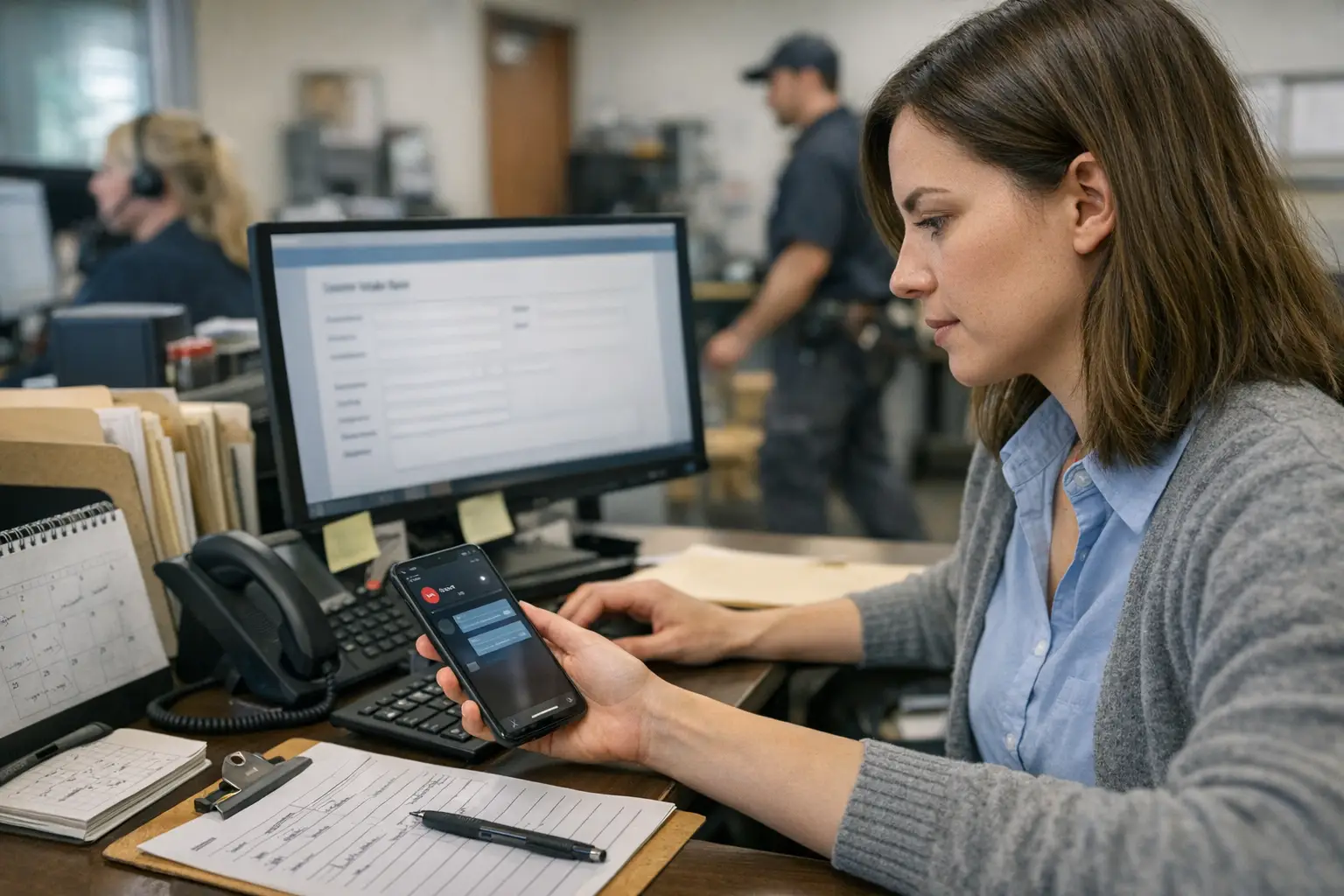
Duplicate records are usually a workflow design problem before they become a cleanup problem. A caller may leave a missed call, then fill out a form, then reply to a text later that night. If each path can create a new record, the office gets three versions of the same job. That wastes time and makes reporting less reliable.
To stop duplicate entries, decide where records are allowed to start, normalize key fields before saving them, and make every create action check for an existing match first. Then use update-or-create rules and retry-safe actions so repeated events do not open second records.
Where duplicate records start
Most duplicates begin at the edges of the business, not in the middle. They show up when calls, forms, text threads, marketplace leads, and field updates all feed different tools. Each tool may act reasonably on its own. Together, they can produce extra customer or job records.
A useful way to troubleshoot is to stop asking, "Who entered this twice?" and start asking, "Which path was allowed to create first?" That shift matters. Once you map record creation by channel, duplicate patterns usually become obvious.
Lead intake paths
Lead intake creates duplicates when the same person reaches you through more than one channel before booking is confirmed. That happens often in home services. Someone calls, gets no answer, submits a web form, then answers a text-back message later. If each touchpoint creates its own contact, you have split one opportunity into several records.
Good prevention starts with normalization at capture time. Format phone numbers the same way every time. Trim email spaces. Store addresses in one standard format. Then search for likely matches before creating anything new. In most cases, matching on one field alone is not enough. Use layered checks like phone plus service address, or email plus last name and zip.
Office handoffs
Office handoffs cause trouble when staff work from different screens or different goals. One person may create a lead from a call log. Another may build a job from the dispatcher view because they cannot find the first record fast enough. A third may add notes inside billing software after the job is done. The result is often duplicate entries that look like separate customers or jobs.
The fix is not just training. Staff will keep making fast decisions under pressure. Better workflow design gives them one approved path for customer creation and one approved path for job creation. If someone needs to book fast, the system should surface possible matches during intake instead of forcing manual searching later.
contractor workflow automation rules that prevent duplicates
The safest rule set is simple: one system owns record creation, every other system checks first, and uncertain matches go to review instead of blind insert. That balance keeps booking speed high while avoiding messy merges later.
Many shops assume duplicate prevention means turning on fuzzy matching somewhere in a CRM or field app. Usually that is too late in the process. Strong rules begin before save and continue after sync. You need both front-end checks and back-end guardrails.
Matching fields
Customer matching and job matching should not use the same logic. A customer can have many jobs. A single address can also have repeat work over time. If you treat every shared address as the same job, you will overwrite valid history.
For customer records, use fields that stay fairly stable across channels. Phone number is often strongest if normalized well. Email helps when present but will not cover every lead source. Service address matters too, but it should support matching rather than decide it alone. For jobs, add request date, service type, and source thread where possible so a follow-up text does not become a second work order.
Upsert logic
Upsert logic means update if found, create if not. That sounds basic, but many connected tools still default to insert-only behavior during imports, webhook handling, or mobile entry. That is where duplicates multiply quietly.
A better pattern is to store a canonical identifier as soon as one system creates the record. Pass that ID to downstream tools and save their IDs back on the master record too. Then retries can update the right record instead of guessing again from raw contact data. For office teams, this means fewer mystery duplicates after sync delays or mobile reconnects.
How to fix process design and system design
Process fixes handle human behavior. System fixes handle repeated events and disconnected tools. You need both because duplicates often come from both sides at once, which is why cleanup never seems finished.
Start with ownership rules on paper. Decide which system owns customers, which owns booked jobs, and which fields each tool may edit. Then move into technical rules like matching order, upsert behavior, audit logs, and merge controls. If those two layers disagree, doubles will keep coming back.
Retry-safe actions
Retry-safe actions matter any time an event might be delivered more than once. Common examples include webhook retries after timeouts, delayed mobile syncs from technicians in the field, or repeated submits from impatient users who tap twice. A retry-safe action uses a stable request key so repeating the same event does not create another record or another booking step.
Owners and office managers do not need code details here. What they do need to ask vendors or internal builders is simple: "If this event fires twice, what stops two customer or job records from being created?" That question can expose weak design fast.
Talk to Petunia about contractor workflow automation
Every call you miss while your crew is on a job is a job someone else books. Petunia answers and qualifies your calls, texts back missed callers, books jobs, and follows up on open estimates, so home services owners (plumbers, electricians, roofers, pest control, landscapers, cleaners and more) stop losing revenue to slow response.
Your team keeps working the way it does today. Petunia handles the calls and follow-ups that slip through when everyone is busy, and developers can trigger the same actions through an API.
Visit Petunia to see how it works.