Scheduler Integration for Contractors: Fix Phone Text Gaps Now
scheduler integration for contractors can stop phone-text gaps, keep one live job record, and turn missed replies into booked jobs faster.
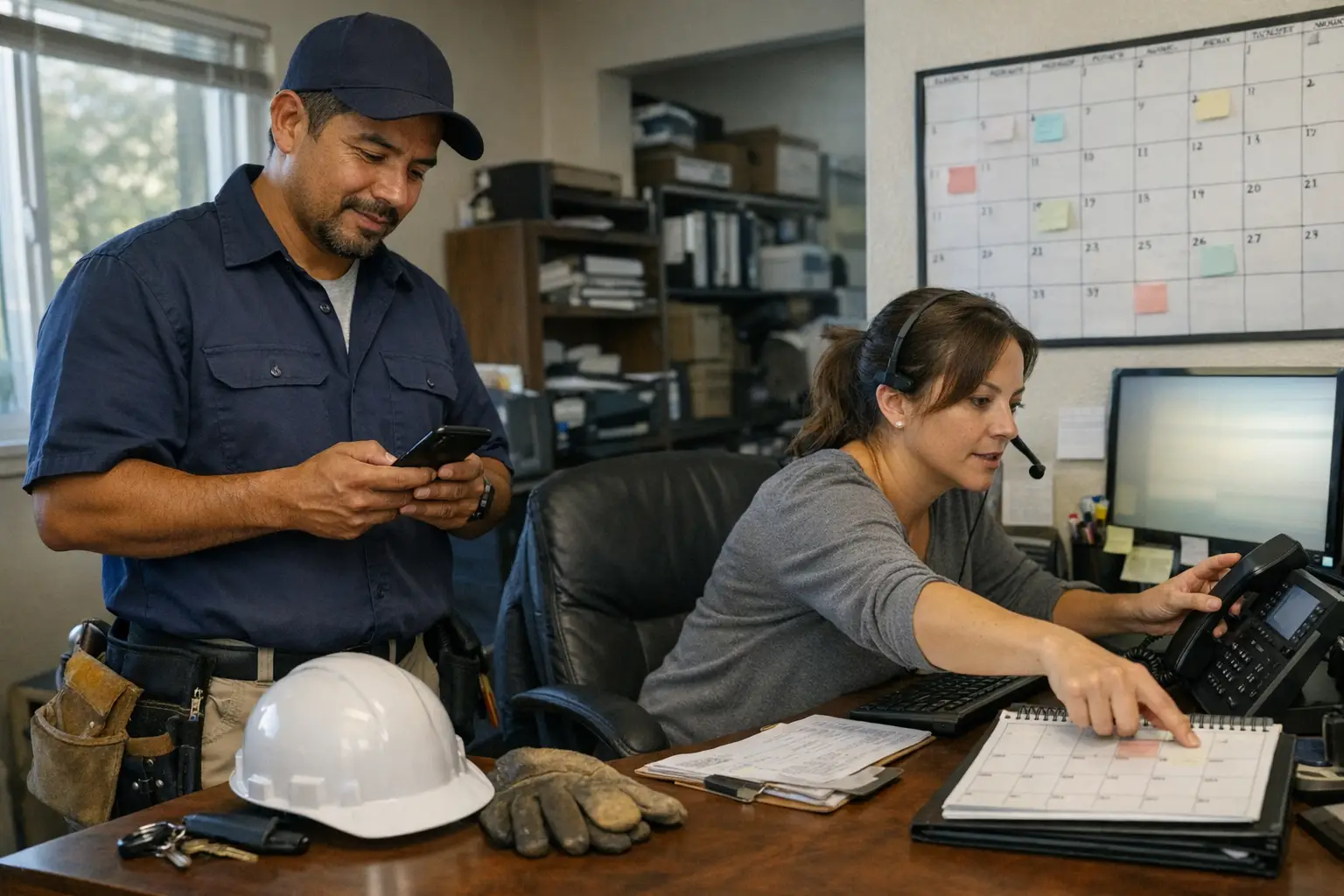
A missed call should not turn into a lost job. Yet that happens when phone calls, texts, and booking tools do not stay in sync. A caller leaves a voicemail, the office sends a text later, and the job gets booked somewhere else. The fix is usually less about more software and more about tighter handoff rules.
If you run a plumbing, roofing, cleaning, or locksmith shop, the problem often shows up during busy hours. One person answers calls, another sends texts, and a scheduler updates the calendar later. That delay creates gaps. The goal is simple: every inbound call should lead to one clear next action, with no guessing in between.
Where phone and text gaps start
Most gaps begin with small delays. A call comes in while someone is on another line. The office plans to text back after finishing another task. By then, the caller may have called a second company or moved on to someone who replied faster.
The issue can also come from split systems. One tool handles calls, another handles texts, and your calendar lives somewhere else. When those tools do not share the same status updates, people have to copy information by hand. That is where mistakes creep in.
The handoff breaks first
The weakest point is usually the first handoff after a missed call or estimate request. If nobody owns that step, the lead sits idle. Even a good team can lose time here because the work feels small and easy to push back.
A tighter process starts with ownership. Decide who gets the alert, who replies, and what happens next if the caller answers or books online instead. Clear rules matter more than extra reminders.
Calendar edits create hidden delays
Another common break happens when schedule changes are updated late. A job gets moved on the phone, but the text thread still shows the old time. That can create confusion for both staff and customer.
You want one source of truth for booking status. If your team has to check three places before confirming a slot, the process is too slow for busy days.
What good integration should do
Good scheduler integration removes manual steps that slow down booking. It should move new leads into a clear status fast, send a reply without waiting on office hours, and keep appointment details aligned across channels.
That does not mean every message needs a human touch right away. It means the system should capture intent early enough that your team can act on it later if needed. For many contractors, that balance matters more than fancy features.
Start with status updates that make sense
Use simple statuses your staff already understands: new lead, contacted, booked, reschedule needed, or closed out. If your team cannot tell what happened from the status alone (without opening five screens), the setup needs work.
Think about how dispatchers actually work during a busy morning. They need quick answers, not long notes buried in different tools. Clean status labels help them move faster and reduce repeat calls.
Keep texts tied to real actions
Text messages should match what happened in the schedule. If an estimate is booked for Tuesday morning, the confirmation should say that clearly. If a slot changes later, the follow-up text should reflect the new time right away.
That sounds basic because it is. Still, many shops lose trust when customers get mixed messages about timing or arrival windows.
Learn About Petunia Services
Set up rules that reduce misses
The best setup starts with clear rules for when each action fires. A missed-call text-back should go out fast enough to catch attention while keeping expectations honest. Appointment confirmations should happen after booking is real, not before it is final.
You also need rules for edge cases. What happens if someone calls after hours? What if an estimate request comes in while crews are out? What if two people try to book the same slot? These details decide whether your system helps or creates more work.
Decide who owns each step
Assign ownership before you connect anything. One person or role should handle missed-call follow-up during business hours. Another should watch schedule exceptions and double-book risks.
This works best when everyone knows where responsibility ends (and where it doesn’t). Otherwise, tasks get bounced around until someone forgets them entirely.
Explore a faster way to handle scheduler integration for contractors
Every call you miss while your crew is on a job is a job someone else books. Petunia answers and qualifies your calls, texts back missed callers, books jobs, and follows up on open estimates, so home services owners (plumbers, electricians, roofers, pest control, landscapers, cleaners and more) stop losing revenue to slow response.
Your team keeps working the way it does today. Petunia handles the calls and follow-ups that slip through when everyone is busy, and developers can trigger the same actions through an API.
Visit Petunia to see how it works.
Make follow-up part of daily work again
Once booking starts working better, follow-up becomes easier too because less time gets lost between touchpoints; still, many shops leave estimate follow-up until someone has spare time (which often means never).
A better habit is to treat follow-up like any other job stage; if an estimate was sent but no answer came back yet; if an appointment needs reconfirming; if a customer asked to delay service; each case deserves a next step with a deadline attached. . For teams that want those steps handled automatically across calls, texts, bookings, and estimate follow-up without extra admin work. Petunia can keep those actions moving in one place so fewer leads slip through during busy hours; start your free trial or see it in action today.