Service Business Workflow Automation: Standardize Intake Now
service business workflow automation fixes messy intake by standardizing calls, texts, and notes so dispatch has what it needs and jobs move faster.
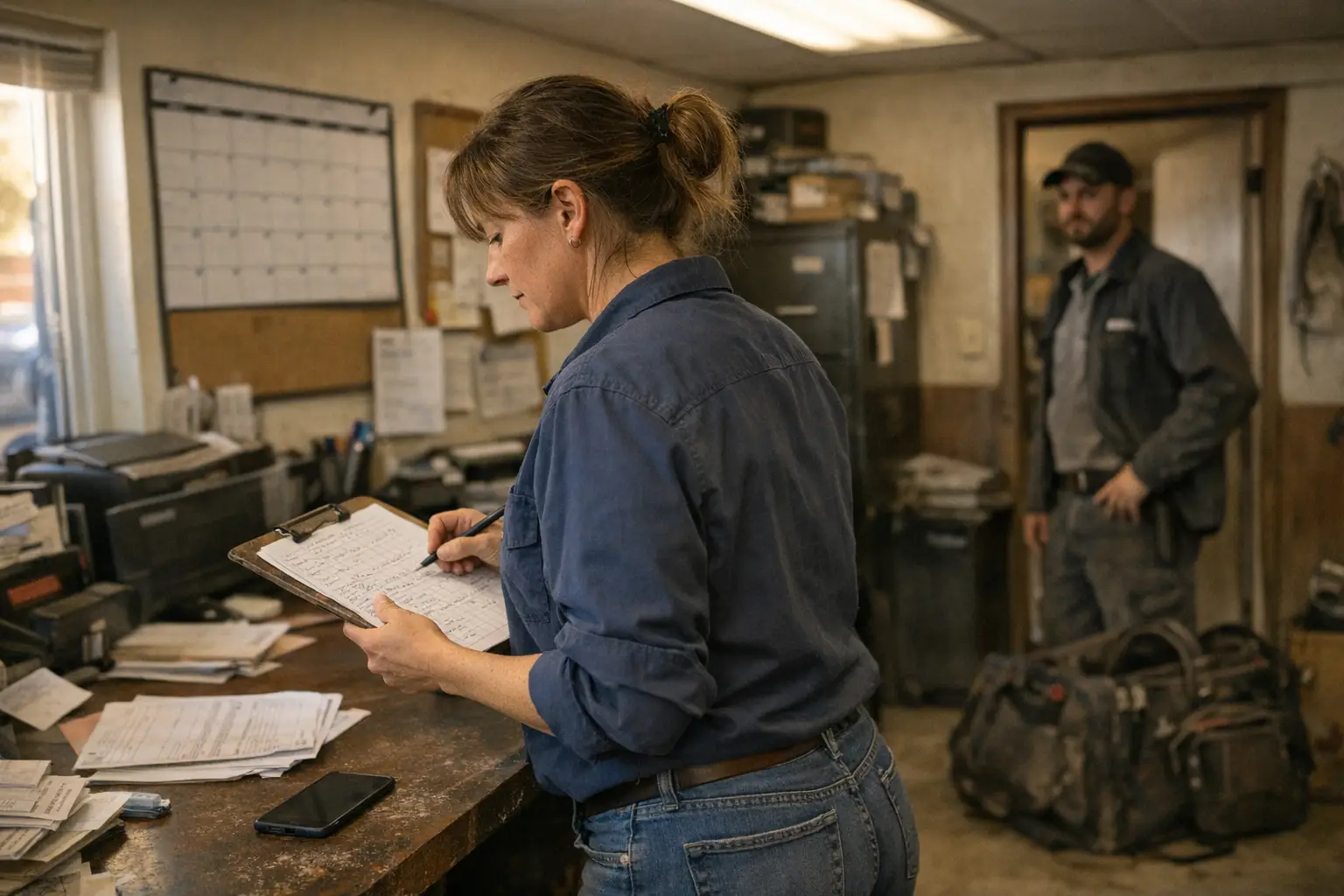
Are you asking why your booking flow still feels messy even after new forms, better scheduling, or faster text-back? The short answer is simple. Your team can't automate a workflow they don't collect the same way.
Standardizing intake means every call, text, and field note follows one usable path. The goal isn't more paperwork. It's making sure the next person, whether that's dispatch, a technician, or a booking action, has what they need to move the job forward without guessing.
Where intake breaks in home services
Most intake problems start long before dispatch. They start when different people collect different details for the same kind of job. One tech asks about pets and gate access. Another only writes "customer called." A third gets good notes. Leaves them in a text thread no one else can see.
That inconsistency creates extra work all day. Office staff call back for missing details. Crews arrive without model numbers or site access notes. Customers repeat the same story twice. Then everyone feels rushed, even when the real problem was earlier.
Missed details that slow service business workflow automation
The biggest issue isn't usually effort. It's undocumented judgment. A senior appliance repair tech knows which model details matter before a visit. A pest control tech knows pet information may affect product planning. But if that knowledge lives only in one person's habit, the process breaks as soon as someone else answers.
Automation depends on clean inputs. If one note says "lock issue," another says "front deadbolt stuck," and another just says "call ASAP," your workflow can't route work well. Booking rules become shaky. Follow-up gets uneven. Dispatch has to stop and interpret what should have been clear at intake.
A good test is simple. Ask three team members how they handle the same incoming job type. If the order of questions changes, required fields change, or storage location changes, your intake isn't standard yet.
Trade examples from plumbing to restoration
Consider a hypothetical plumbing call. One person collects leak location, shutoff status, and access notes. Another only books a time slot. The second version may still land on the calendar, but it often lands there weakly. The plumber arrives with less context and less prep.
The same pattern shows up across trades. A garage door team may need spring type photos before routing certain jobs. A cleaning company may need entry instructions and pet notes every time. A restoration crew may need who can approve work on site before anyone rolls out.
Not every trade needs the same form. That's where many shops get stuck. Standardized intake doesn't mean one giant script for every service line. It means one shared structure: universal essentials first, then job-type questions that actually change scheduling, prep, or crew assignment.
Build one intake path your team will follow
Start smaller than most owners expect. Don't try to capture everything on day one. Build one intake path around what must be known before a job can be booked well, dispatched well, or handed off cleanly.
Harvard Business Review puts the principle clearly: companies should "Standardize routine processes (the unloading of trucks, shelving. Cleaning, for example) with input from frontline employees" (Harvard Business Review, 2017-11-30). Intake is a routine process too. If techs help shape it, they're more likely to use it in real working conditions.
Required fields for dependable service business workflow automation
Think in layers. Every call should have universal fields that apply across trades. Then add trade-specific fields only where they change action. That keeps intake lean enough to use and strong enough to support booking and dispatch.
In most shops, universal fields often include:
- customer name
- best callback number
- service address
- problem summary
- access notes
- preferred contact method
- who will be on site
- photos or model details only if they affect scheduling
Trade-specific fields come next. Appliance repair may need brand and model when possible. Lawn care may need gate width or dog notes for recurring visits. Locksmith work may need proof of authority before certain jobs proceed. Keep each field tied to a decision, not just curiosity.
One rule helps a lot: if missing a field wouldn't change booking, routing, prep, or follow-up, it probably shouldn't block intake.
Frontline input keeps service business workflow automation usable
Office-built forms often fail because they ask for perfect information during imperfect moments. Phones are ringing. Customers are driving home. Technicians are between stops. A process that looks neat in theory can fall apart by noon on Tuesday.
Bring in the people who live with the handoff problems daily. Harvard Business Review recommends standardizing routine processes with frontline input (Harvard Business Review, 2017-11-30). For home services, that means asking technicians which missing details cause second trips, bad prep, or wasted callbacks.
You'll usually hear better questions than office staff alone would write down. Techs know which photo actually helps and which one never does. They know when deeper diagnosis belongs later instead of at first contact (that part matters). Good intake captures enough to act without pretending remote diagnosis can replace field judgment.
Make handoffs clean from call to crew
A standard only works if everyone can see it and use it fast. Notes buried in texts or spread across five tools won't support good handoffs. Clean storage matters as much as clean questions.
That's also where workflow tools either help or hurt. Harvard Business Review notes that systems able to "codify, automate. Distribute organizational expertise" may reshape work structures broadly (Harvard Business Review). In plain terms, your best people already know what good intake sounds like. The job is turning that know-how into prompts, required fields, and next-step rules others can follow reliably.
Store notes so service business workflow automation can act
Your system should store answers in fixed places, not free-form chaos alone. Free text still has value, especially for odd situations. But key items like access instructions, scope category, urgency label if you use one. Approval contact should be captured consistently every time.
That structure lets actions happen without office cleanup first. Missed call text-back scripts that book jobs can ask for missing basics in order. Booking can move once required items are present. Estimate follow-up can reference the right scope instead of sending generic messages that miss the mark.
Be careful with sensitive details too. The Federal Trade Commission says businesses should "Keep sensitive data in your system only as long as you have a business reason to have it" (Federal Trade Commission). So if you collect gate codes, occupant names, alarm instructions, or photos of private areas, set clear rules for who sees them and how long they stay stored.
If you want to see this put into practice, Petunia helps home services teams answer and qualify calls, text back missed callers, book jobs. Follow up on estimates using the same core idea: collect the needed details in a consistent way so work can move without guesswork.
Use a weekly review to tighten intake consistency
Don't launch a new intake standard and assume it's done. Run a short weekly review instead. Pull a few recent jobs from different trades and check whether required fields were captured fully and stored where the next person could use them.
Look for patterns rather than blame.
- Which fields get skipped most?
- Which questions confuse customers?
- Which details never affect scheduling?
- Which missing item caused rework this week?
Small edits beat big rebuilds. Tighten wording. Remove low-value steps. Add prompts where handoffs keep failing.
For developers building connected workflows, this review loop matters just as much as code quality does. Brittle logic usually starts with brittle inputs. If you're ready to turn consistent intake into booked work faster, Petunia gives you actions you can actually use: call answering, missed-call text-back, appointment booking, estimate follow-up. An API for developers building service business workflows. See it in action or start your free trial when you're ready to make intake usable across your whole team.
You Might Also Like
- Automated Call Answering ROI for Home Service Companies
- Booking workflow integration for developers
- Booking Actions for Home Service Software
Bring Petunia to your service business workflow automation workflow
Every call you miss while your crew is on a job is a job someone else books. Petunia answers and qualifies your calls, texts back missed callers, books jobs, and follows up on open estimates, so home services owners (plumbers, electricians, roofers, pest control, landscapers, cleaners and more) stop losing revenue to slow response.
Your team keeps working the way it does today. Petunia handles the calls and follow-ups that slip through when everyone is busy, and developers can trigger the same actions through an API.
Visit Petunia to see how it works.