Reduce No Shows Home Service Appointments: 9 Proven Fixes
Reduce no shows home service appointments with 9 fixes that tighten confirmations, reminders, and access details so crews stay on schedule.
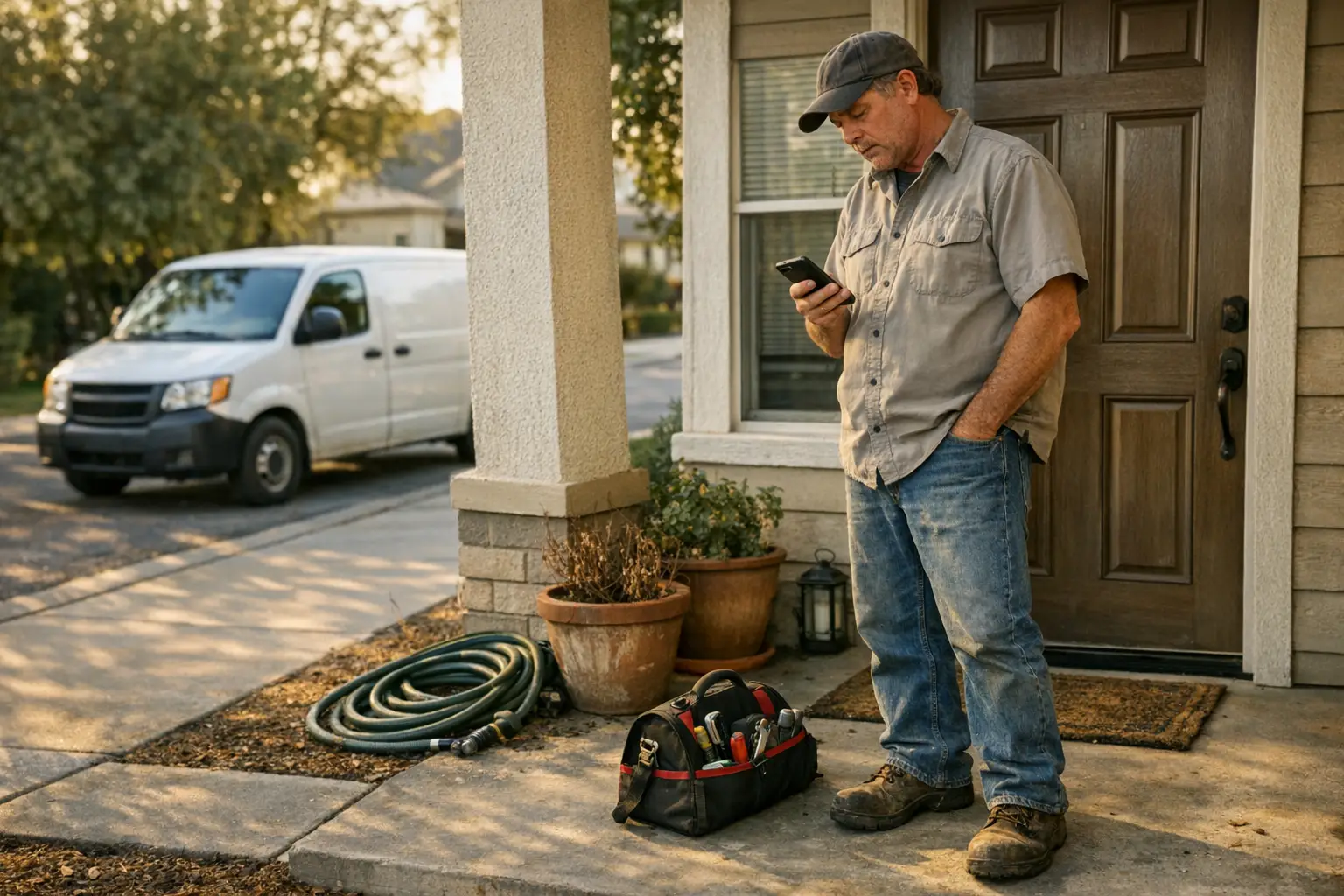
A booked repair call can still turn into a hole in your day. The tech drives over, the customer doesn't answer, and now your board is off for hours. One missed appliance repair, garage door visit, or locksmith dispatch can throw off the next few jobs too.
To reduce no-shows for home service appointments, fix the process between booking and arrival. Most misses come from weak confirmation, wide windows, missing access notes, poor delay updates, or a hard reschedule path. Tighten those steps, and no-shows usually drop fast.
Why customers miss home service appointments
Most customers don't plan to waste your time. In many cases, they got confused, forgot a detail, left for an errand, or didn't know your tech was close. That matters because a no-show often starts in the office, not in the driveway.
Booking alone is not commitment. A customer can say yes on Tuesday and still disappear by Friday if nothing keeps the appointment real in between. That's why shops that only focus on dispatch often miss the root cause.
Booking gaps that cause no shows
Trouble starts when the booking call leaves loose ends. If the customer doesn't hear the date, window, job type, and next step clearly, they fill in the blanks themselves. That's where avoidable misses begin.
Small details matter more than many teams expect. Who needs to be home? Does someone need to approve work? Is there a gate code? Are pets loose? If your office skips those questions because phones are busy, the field pays for it later.
A weak first contact can also create trust problems later. When intake feels rushed or vague, customers are less likely to treat the appointment as firm. That spillover shows up days later as silence, late replies, or a locked house when your technician arrives.
Wide arrival windows lose the customer
A broad window feels safe for the office, but it often creates risk in the field. If you tell someone "sometime this afternoon," they may decide they have time for school pickup, errands, or a quick trip out. Then your tech reaches curbside voicemail.
Most people can handle uncertainty if it gets tighter as the day moves along. The issue isn't always the first window. It's failing to narrow it later. A realistic morning promise with a day-of update works far better than silence followed by "we're outside."
Consider a hypothetical appliance repair shop with several booked calls spread across town. One stop runs long. Nobody updates the later customer. By early afternoon, that homeowner has stepped out because they assumed arrival would be much later. The no-show looked random, but the real cause was an old ETA.
Reduce no shows home service appointments
The fastest gains usually come from better confirmation habits. Not fancier policy language. Not tougher techs. Clear reminders and easy replies do more to protect tomorrow's board than most offices think.
A good system uses several touches instead of one reminder blast. It also gives customers one simple action to take each time: confirm, ask for a change, share access notes, or say they're running late.
Clear reminders that get read and answered
Good reminders answer practical questions before customers ask them. Date and time window come first. Then include what kind of visit is scheduled and what the customer needs to do next. Plain language wins here.
One reminder is rarely enough for longer-lead repair work. A stronger cadence usually looks like this: confirm at booking, send another reminder before the visit, then send a tighter update on appointment day. Different trades may adjust timing, but the pattern holds.
Reply options matter just as much as timing. If a message says "reminder" but gives no easy way to confirm or change it, you're only broadcasting information. You're not reducing risk.
Two way messages for confirmations and delays
Two-way messages help because they turn silence into action. A customer can reply with "yes," "need later," "use side gate," or "dog in backyard." That small step prevents many wasted trips.
Office teams also need those replies in one place. If confirmations live in one inbox and delay texts live on someone's personal phone, follow-up breaks down fast. The point isn't just sending messages. It's making sure dispatch can actually use the response.
Delay handling matters here too. Repair routes shift all day because of traffic, parts issues, access problems. Longer jobs than expected (which every shop knows well). When customers get a quick heads-up instead of guessing, they're far more likely to stay available.
Day of updates that cut wasted drive time
Day-of communication should narrow uncertainty as honestly as possible. Start with a workable window if you must. Then tighten it once routing becomes clearer and earlier calls shake out.
That update should do more than say "on our way." Include a tighter ETA when possible and any detail that helps the customer feel ready for arrival. Even simple cues like technician name or vehicle type can help customers recognize that someone real is coming soon.
This is where many preventable no-shows either get stopped or allowed to happen. A curbside call after you're already late doesn't rescue much. A proactive update sent before the delay gets painful often does.
A practical process for small service teams
Small teams don't need a huge playbook here. They need one repeatable workflow that protects each job from booking through arrival. Consistency beats heroics every time.
For most shops, that means using scripts for intake, setting clear reminder timing by job type. Deciding which tasks should happen automatically so staff aren't chasing every appointment by hand (especially on busy mornings).
Notes that prevent access and pet issues
Access notes solve problems that don't always get logged as no-shows but act like them anyway. Locked gates, bad parking directions, loose dogs, tenant approvals, and hidden side entrances all burn time and scramble routes.
Build these questions into every booking call so they don't depend on memory:
- Is there gate access?
- Any parking issue?
- Do pets need to be secured?
- Does someone need to be present to approve work?
- Anything special about entry?
That short checklist protects more than arrival time. It also reduces awkward calls between dispatch and techs while somebody waits outside trying to figure out how to start a simple job.
Simple rescheduling rules that save the board
Customers are much more likely to respond if changing an appointment feels easy instead of annoying. A hard reschedule path trains people to go quiet until it's too late. That's how avoidable no-shows pile up.
Keep rules simple and state them early. Tell customers how to move an appointment and when notice matters most. For higher-risk jobs, longer reserved visits, repeat offenders, specialty parts orders, or premium time blocks, card-on-file or deposit protection may make sense if handled clearly and under local rules.
If you want help taking those actions without adding more phone chasing to your office day, Petunia can help at this stage of the workflow. It answers and qualifies calls, texts back missed callers, books jobs. Follows up on open opportunities so fewer appointments stall out between first contact and arrival.
For owners who are tired of dead spots on the board and wasted windshield time, that's the next step worth testing. See it in action or start your free trial with Petunia if you want your confirmations, missed-call text-back, booking actions. Follow-up handled in one place instead of scattered across voicemail and sticky notes.
You Might Also Like
- Automated Call Answering ROI for Home Service Companies
- Missed call text-back scripts that book jobs
- No-show reduction service for home services
- Booking Actions for Home Service Software
- How to reduce no-shows with better confirmations
Let's connect
Every call you miss while your crew is on a job is a job someone else books. Petunia answers and qualifies your calls, texts back missed callers, books jobs, and follows up on open estimates, so home services owners (plumbers, electricians, roofers, pest control, landscapers, cleaners and more) stop losing revenue to slow response.
Your team keeps working the way it does today. Petunia handles the calls and follow-ups that slip through when everyone is busy, and developers can trigger the same actions through an API.
Visit Petunia to see how it works.